Blinkar v1.2.0: Smart Motion Detection with Apple Vision
When I introduced Blinkar, it could show you your Blink camera clips and send you a notification when motion was detected. It was useful, but every notification said the same thing: “Motion detected.” A shadow, a dog, or a delivery driver all resulted in the same alert. I wanted to know what triggered the camera without having to open the clip. So v1.2.0 adds on-device object detection using Apple’s Vision framework.
Smart motion detection
Blinkar now analyzes the first few seconds of each new clip to identify people and animals. This happens entirely on your Mac; no cloud services, or subscriptions, and no data leaving your machine.
The results show up everywhere:
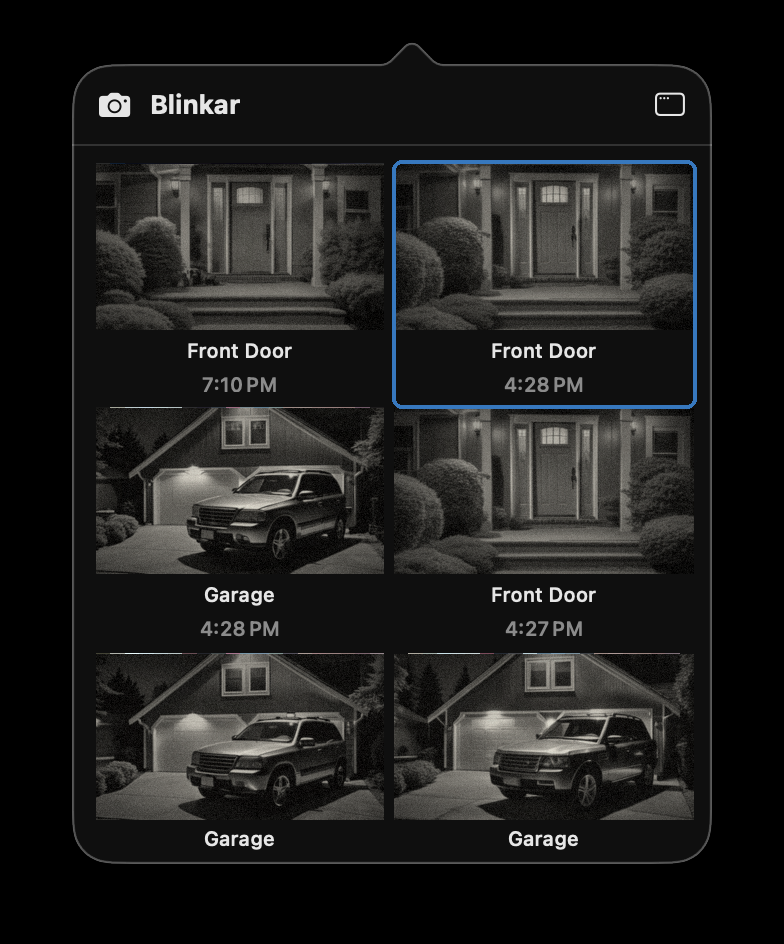
- Popover thumbnails get a pill overlay: “Person”, “Animal”, or just “Motion”. So you can glance at the menu bar widget and immediately see what happened.
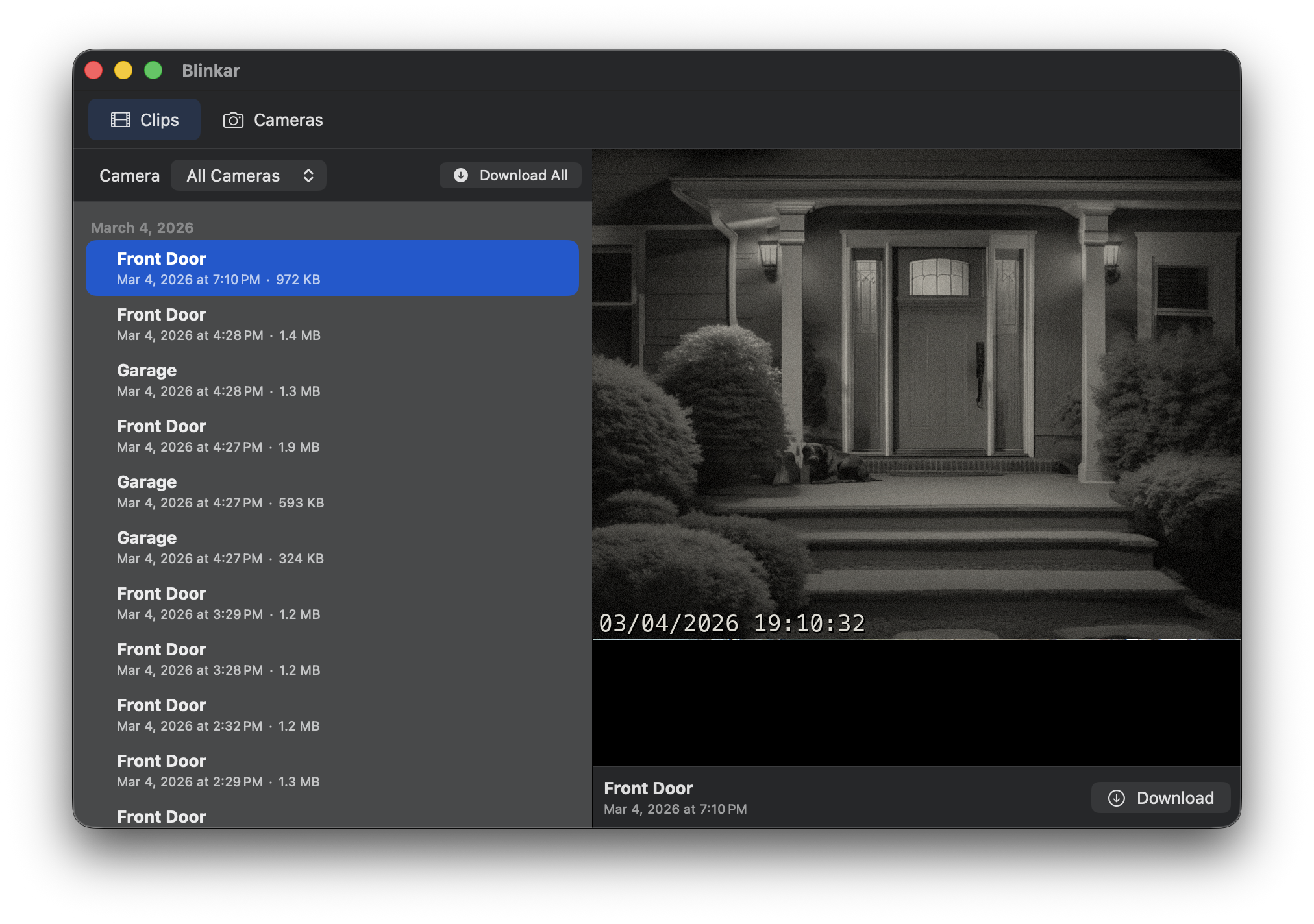
- The clip browser shows detection tags next to each clip in the list and in the toolbar when a clip is selected.
- Notifications now tell you what was spotted. Instead of a generic “Motion detected” alert, you’ll see something like “Person detected — Front Porch.”
Here’s the updated clip browser with detection labels:
And the menu bar popover, with detection pills on each thumbnail:
You can configure how many seconds of video to analyze (1–10 seconds) in Settings, or turn detection off entirely if you don’t want it.
Launch at login
A small but important addition: there’s now a “Launch at login” toggle in Settings. This should have been there from the start, but somehow I forgot it. 🤦🏻♂️
Get it
Blinkar v1.2.0 is available now on Gumroad. If you already own it, just re-download for the update.