Introducing Wunderful: Your Personal Weather Station on your Mac, iPhone, and iPad
A year or so ago, I got a personal weather station, which is now installed in my backyard. It has a panel that sits on a table, showing the current conditions, and some forecast data, but the only way to see that on my Mac, or on my phone, was to go to Weather Underground in a browser. I knew I could make something nicer, so I did. Introducing Wunderful.
Wunderful is a native app for iPhone, iPad, and Mac that connects directly to your Weather Underground Personal Weather Station and shows you real-time conditions and a 5-day forecast. On the Mac it lives in your menubar, showing the current temperature at a glance. On iOS it’s a clean, full-screen SwiftUI experience.
What it looks like
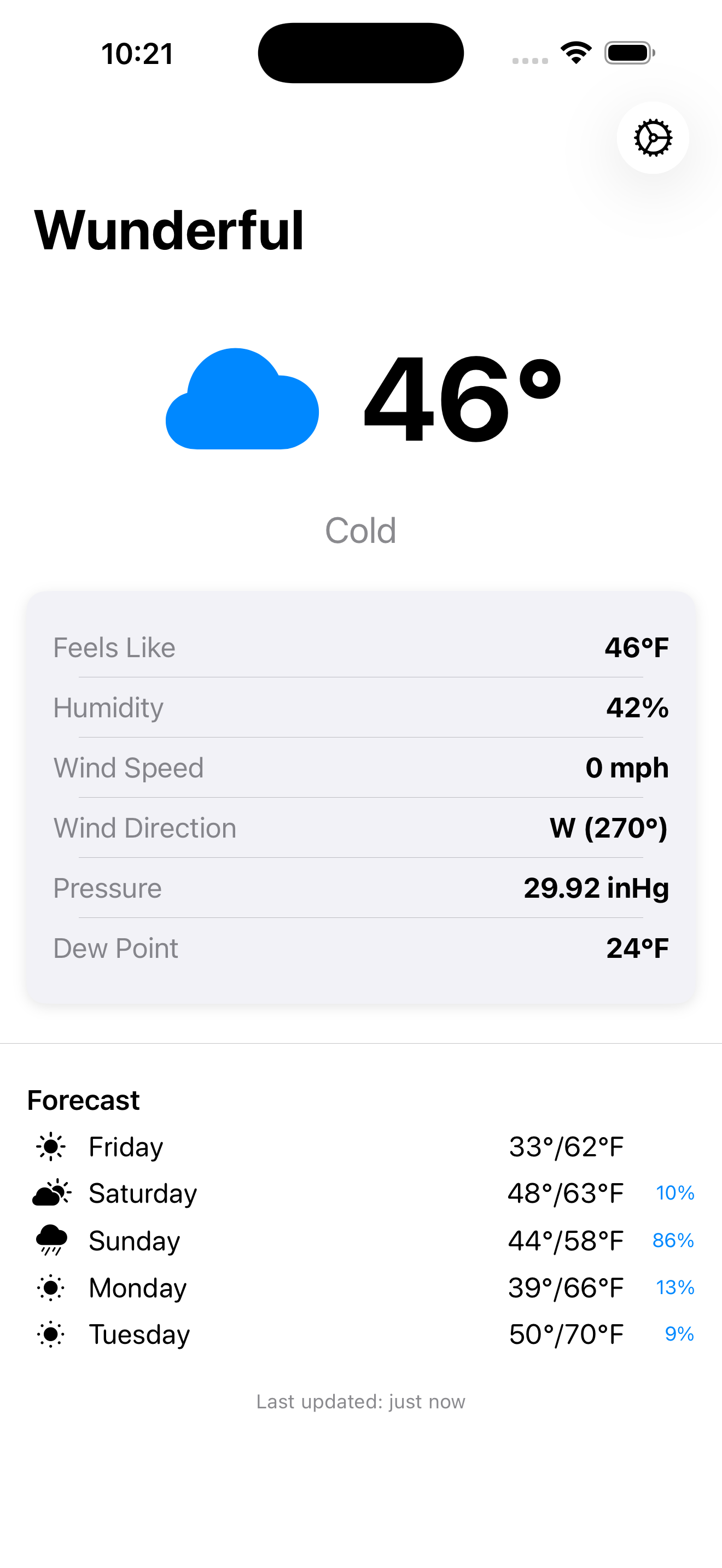
Here’s Wunderful on iPhone, showing current conditions from my PWS along with the 5-day forecast:
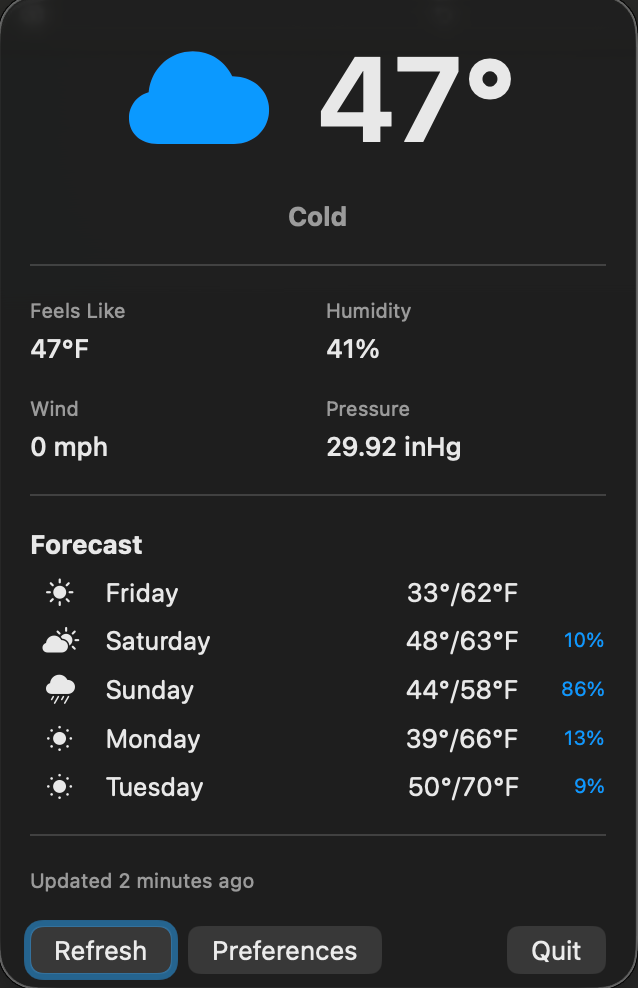
On the Mac, it sits in your menubar and opens as a popover, showing current temperature, conditions, detailed readings, and forecast all in one compact view:
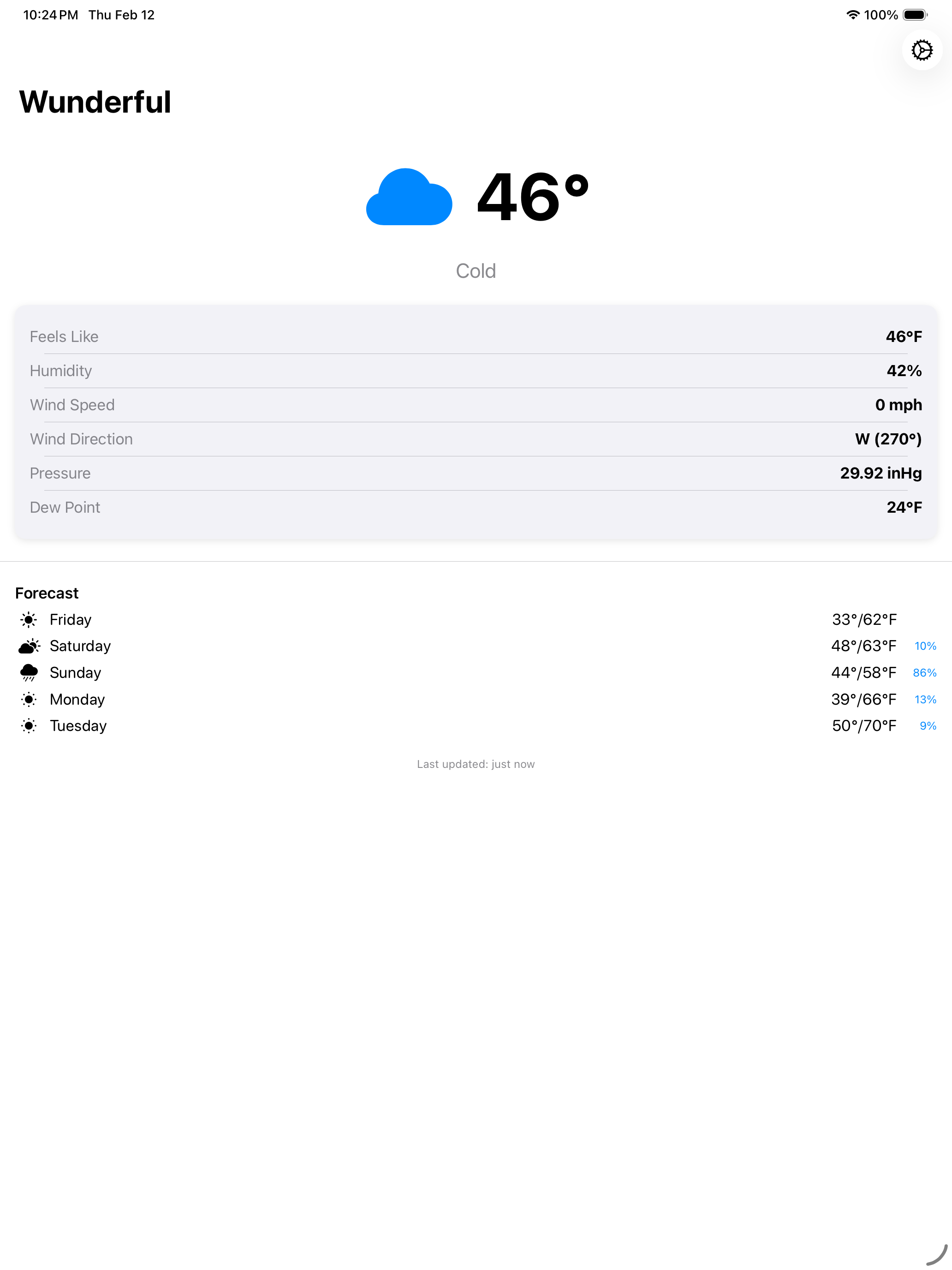
And on iPad, it’s the same, just bigger:
Features
- Real-time conditions — temperature, feels-like, humidity, dew point, wind speed and direction, and barometric pressure, all pulled directly from your PWS.
- 5-day forecast — highs, lows, precipitation chance, and daily conditions for your station’s exact coordinates. Not some generic city forecast.
- Mac menubar app — the current temperature is always visible in your menubar. Click to expand the full popover with all the details.
- Works offline — a 24-hour smart cache means you always have data, even when your network drops. Cached data is clearly indicated so you know what’s fresh.
- Configurable refresh — choose how often Wunderful checks your station: every 5, 10, 15, or 30 minutes. Manual refresh anytime with a single tap or click.
- Secure by design — your Weather Underground API key is stored in the system Keychain, not in plain text. No third-party servers, no tracking, no ads.
Truly native
Wunderful isn’t a web wrapper or a cross-platform compromise. The iOS app is built with SwiftUI. The Mac app is built with AppKit as a proper menubar application. Each platform gets the UI you’d expect it to have.
Getting started
Setup takes about 30 seconds:
- Download Wunderful from the App Store
- Enter your Weather Underground API key and station ID
- That’s it; no account to create, no sign-up
If you don’t have an API key yet, the Wunderful website has a guide called Getting Your API Key has a guide on how to get one from Weather Underground. It’s free.
Download
Wunderful is available now on the App Store for iPhone, iPad, and Mac: