Introducing Talrik: Cross-Post to Bluesky and Mastodon with One Tap
I built Talrik to make it easier to post to multiple social networks at once. It currently works with Bluesky and any Mastodon instance. I had originally built full Threads support, too, but Meta’s requirements for actual production use were onerous, so I had to take it out. Maybe one day, it will be easier, and I can put it back in.

Talrik is a native app for iPhone, iPad, and Mac. It’s built with SwiftUI, supports dark mode, and looks like what you’d expect on every Apple device.
How it works
The compose screen shows your connected accounts and a text editor with real-time character counts for each platform. Bluesky has a 300-character limit; Mastodon’s varies by instance (typically 500). Talrik tracks both and warns you when you’re running low.
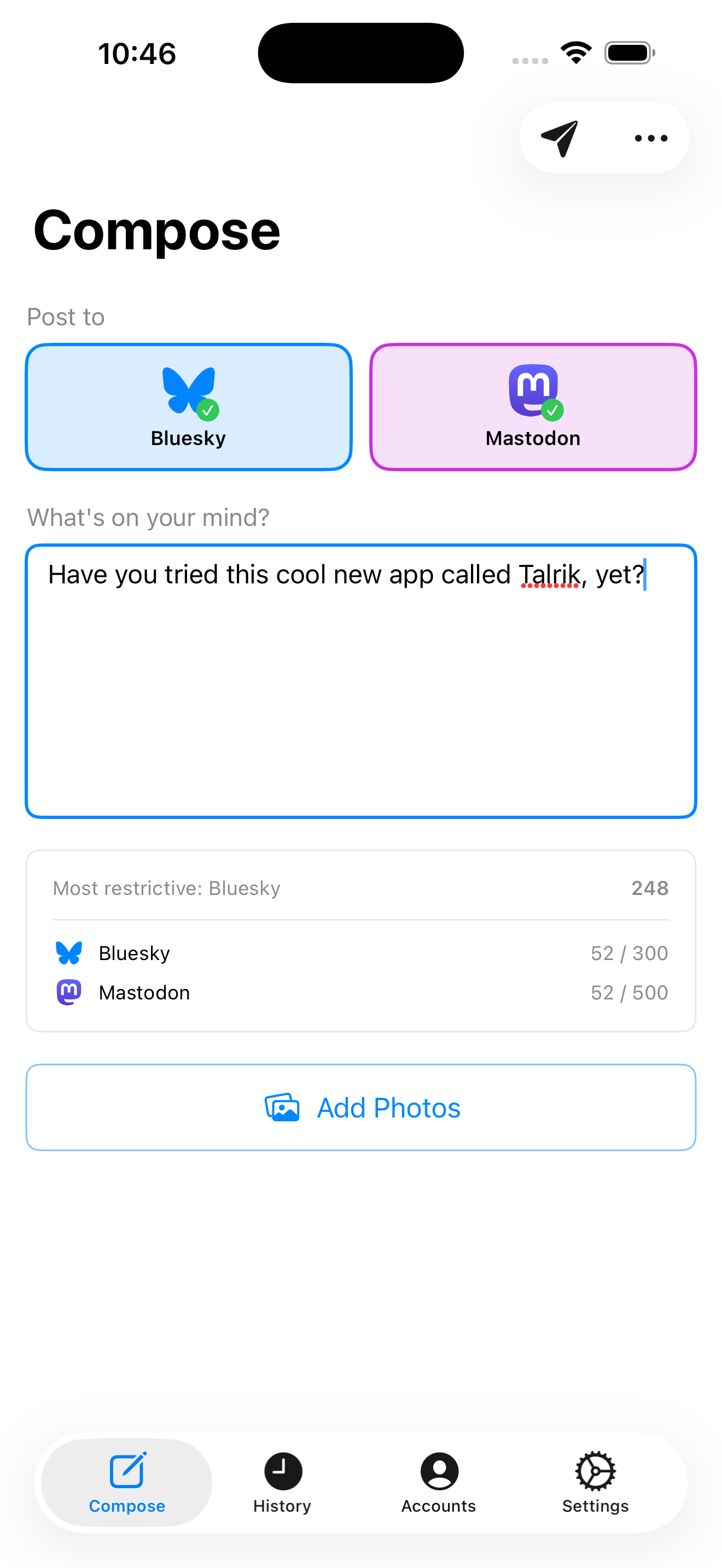
Hit the send button and Talrik posts to both platforms concurrently. You get a results screen showing exactly what succeeded (and what didn’t, if anything goes wrong).

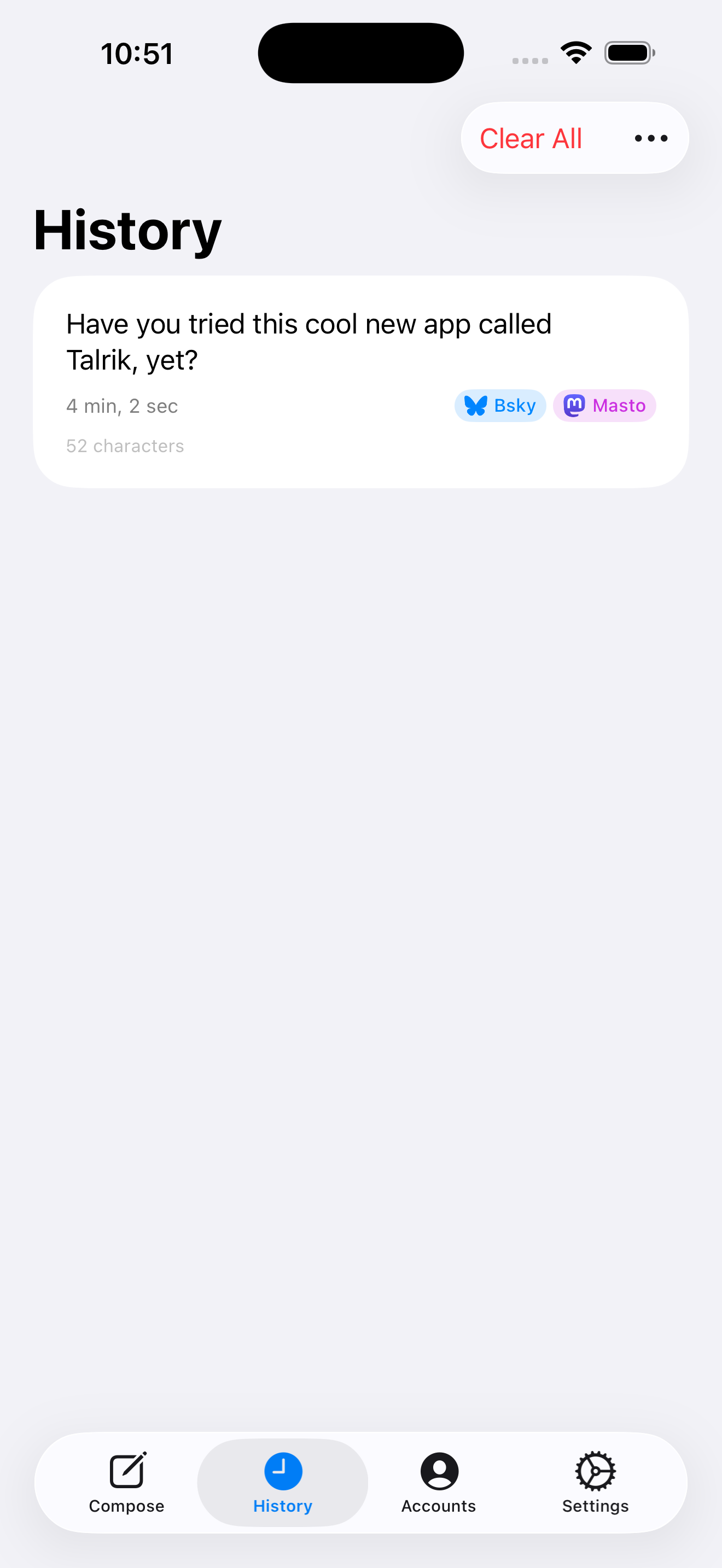
Every post is saved in your history with tappable badges that open the post on its original platform.
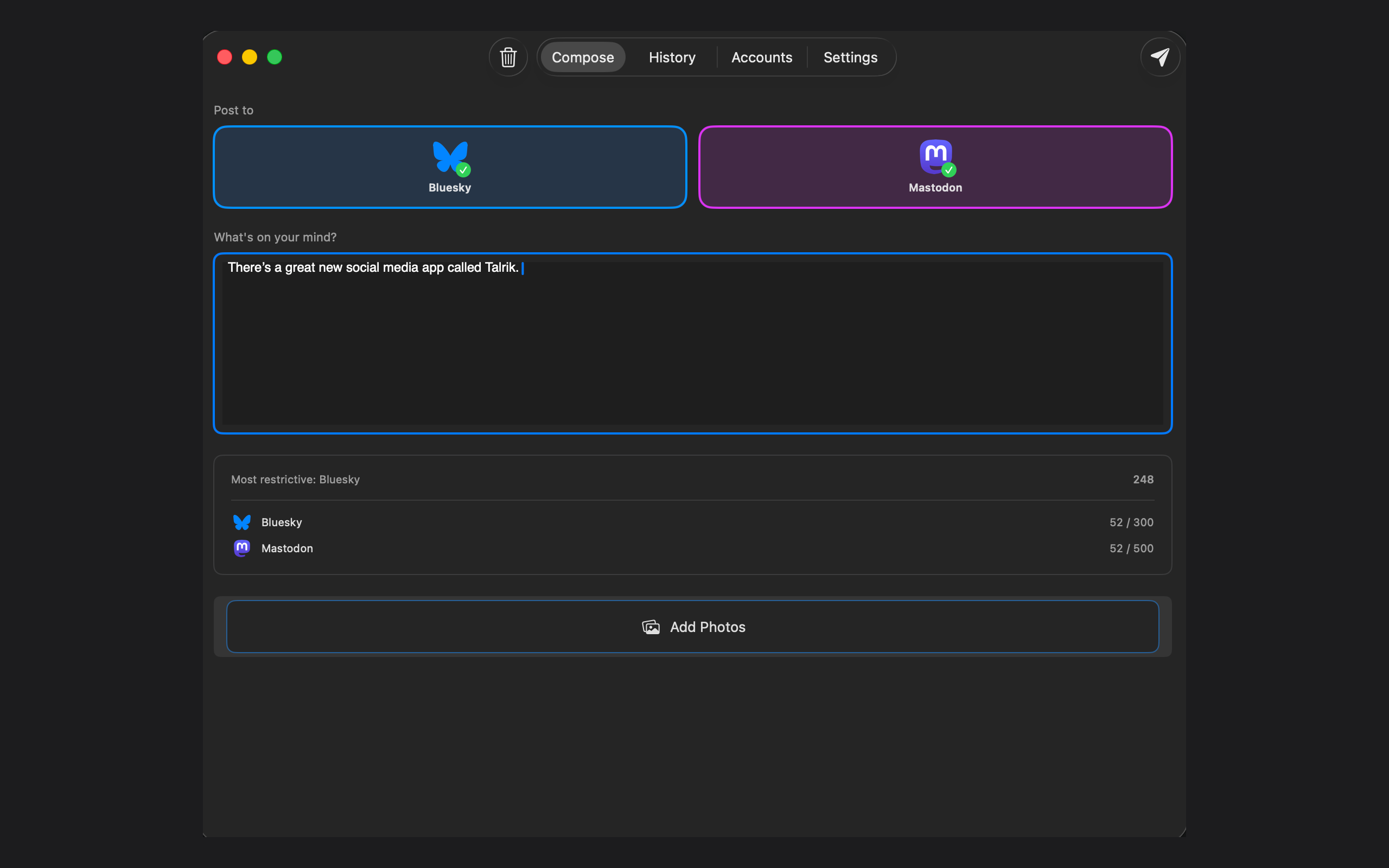
On the Mac
The Mac version has full feature parity. Same compose, same history, same accounts — just optimized for a desktop window with keyboard shortcuts and a toolbar.
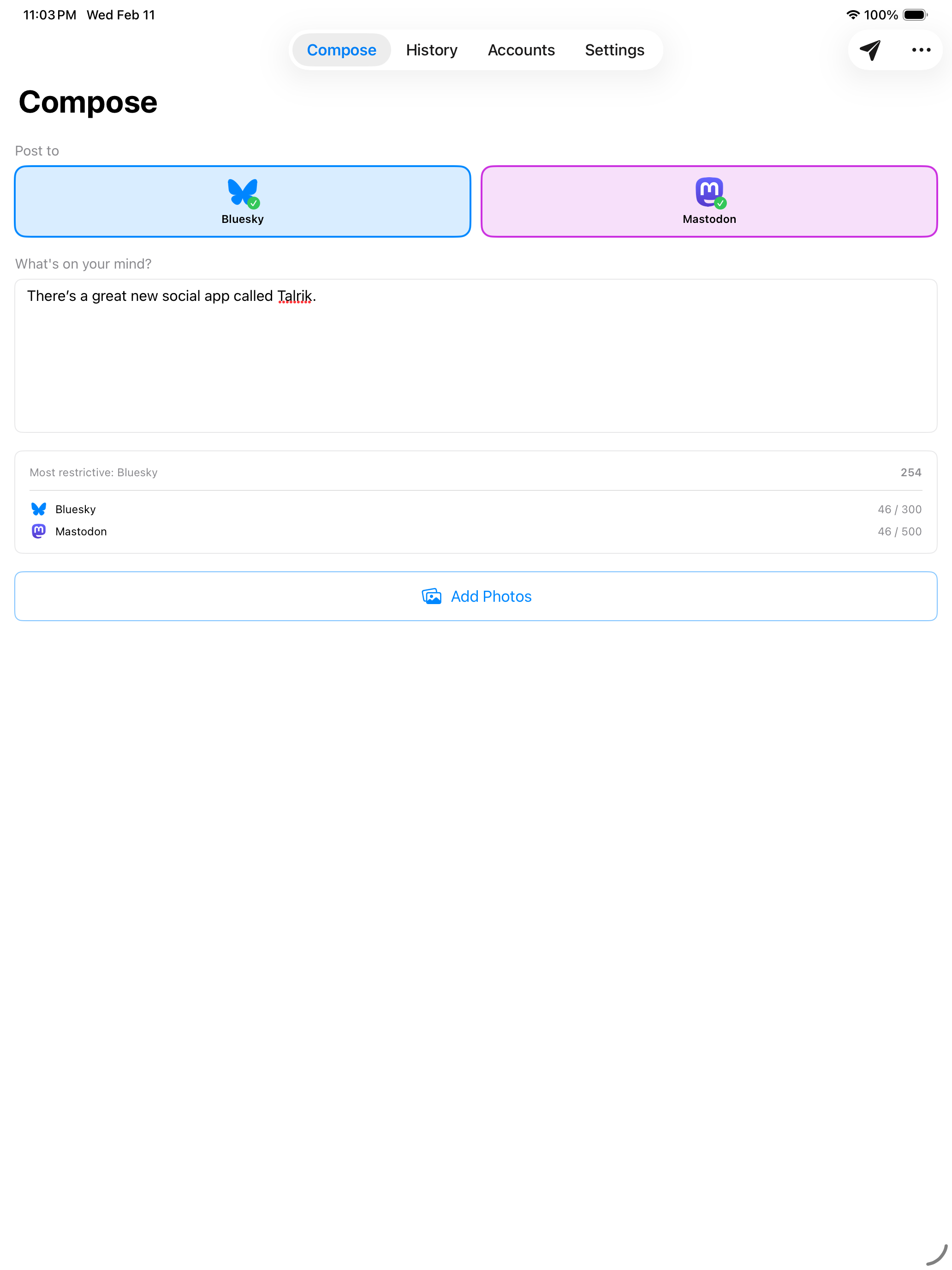
And on iPad, the same interface scales up to take advantage of the larger screen:
Features
- One-tap cross-posting — write once, post to Bluesky and Mastodon simultaneously.
- Image attachments — attach up to 4 images per post. Pick from your photo library, take a photo, or paste from the clipboard. Images are automatically resized and compressed for each platform.
- Auto-threading — posts that exceed a platform’s character limit are automatically split into threads at word boundaries, with “🧵 X/Y” indicators. An 800-character post becomes 3 Bluesky posts or 2 Mastodon posts, all chained together as replies.
- Per-platform character counts — real-time counting with color-coded warnings so you always know where you stand.
- Post history — every post is saved locally. Tap the platform badges to open your post on Bluesky or Mastodon. Swipe to delete.
- Draft autosave — your text, platform selection, and images are saved as you type. Close the app and come back later; everything’s still there.
- Partial failure handling — if one platform fails and the other succeeds, you can retry just the failed one.
- Full accessibility — VoiceOver labels, Dynamic Type support, keyboard navigation, and WCAG AA color contrast.
Privacy
Talrik communicates directly with Bluesky and Mastodon. There’s no intermediary server. Your credentials are stored in the system Keychain, never in plain text. The app collects no analytics, no tracking data, and shows no ads.
Download
Talrik is available now as a one-time purchase — no subscriptions:
Visit talrik.com for more screenshots and details.