Introducing TabScope: Every Safari Tab, One Click Away
I sometimes have more tabs open than I should. The tab bar becomes a row of indistinguishable favicons, and finding the one I actually need turns into a game of hover-and-squint. Safari’s built-in tab overview helps, but it’s a full-screen takeover when all I want is a quick list I can scan and search. So I built TabScope.

TabScope is a lightweight Safari extension for macOS that puts every open tab one click away. Click the button that looks like that icon ☝️ in your toolbar, and you get a nice popup listing all your tabs across every window. Search by title or URL, switch instantly, close tabs, move them between windows, and re-open recently closed ones. No new app to switch to, no full-screen takeover; just a popup that appears when you need it and gets out of the way when you don’t.
What it looks like
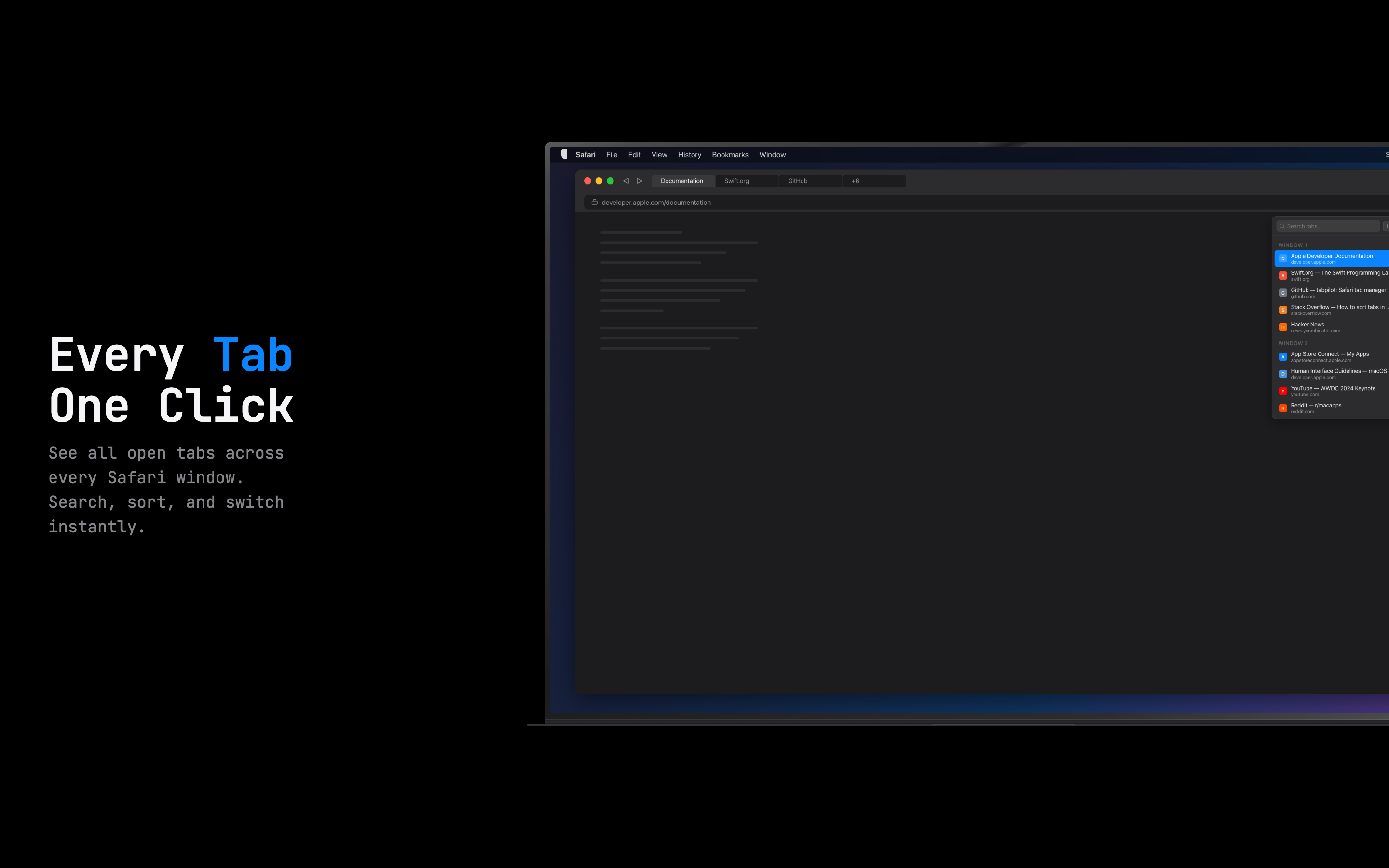
Here’s TabScope showing all open tabs grouped by window. Each tab shows its title, domain, and favicon, so you can find what you’re looking for at a glance:
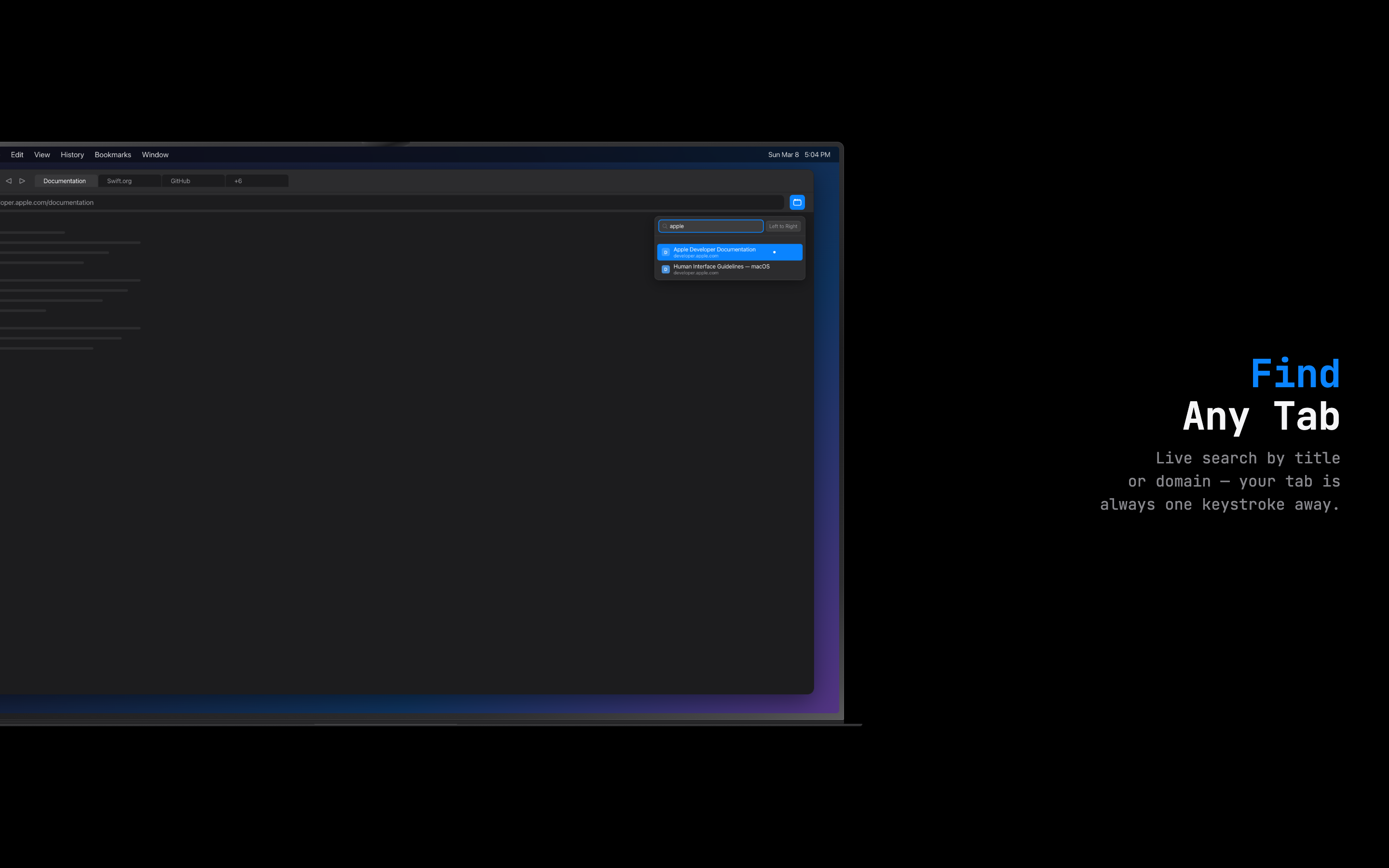
The search box filters tabs live as you type. Looking for that Apple docs page you opened an hour ago? Just type “apple” and the list narrows down instantly:
Sort your way
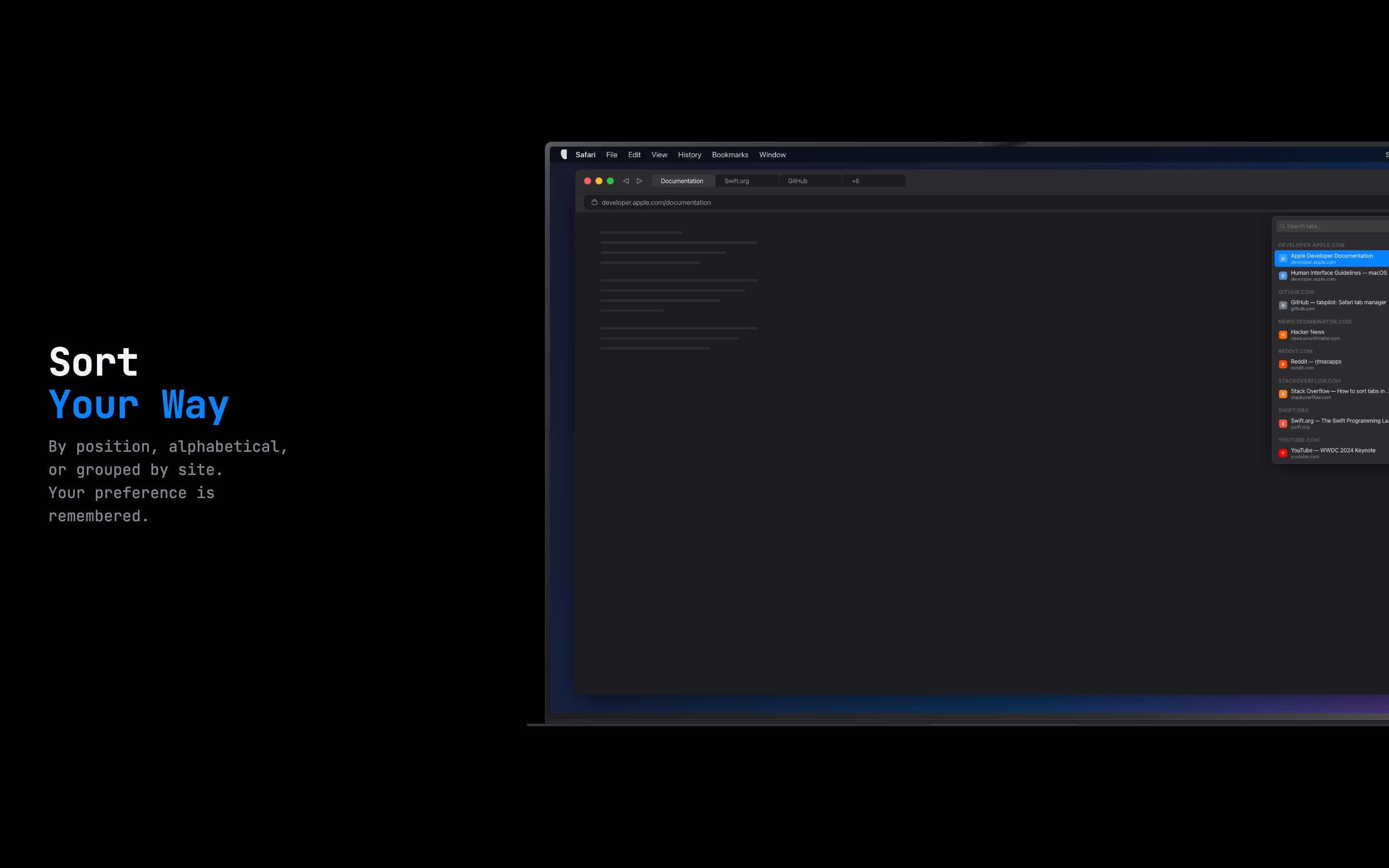
TabScope offers three sort modes, and it remembers your preference between sessions:
- Left to Right — tabs grouped by window, ordered by their position in the tab bar. This is the default and matches what you see in Safari.
- Alphabetical — a flat list sorted A–Z by page title. Great when you know what you’re looking for but not which window it’s in.
- By Site — tabs grouped by domain, alphabetical within each group. Perfect for seeing “how many GitHub tabs do I actually have open?”
Move tabs between windows
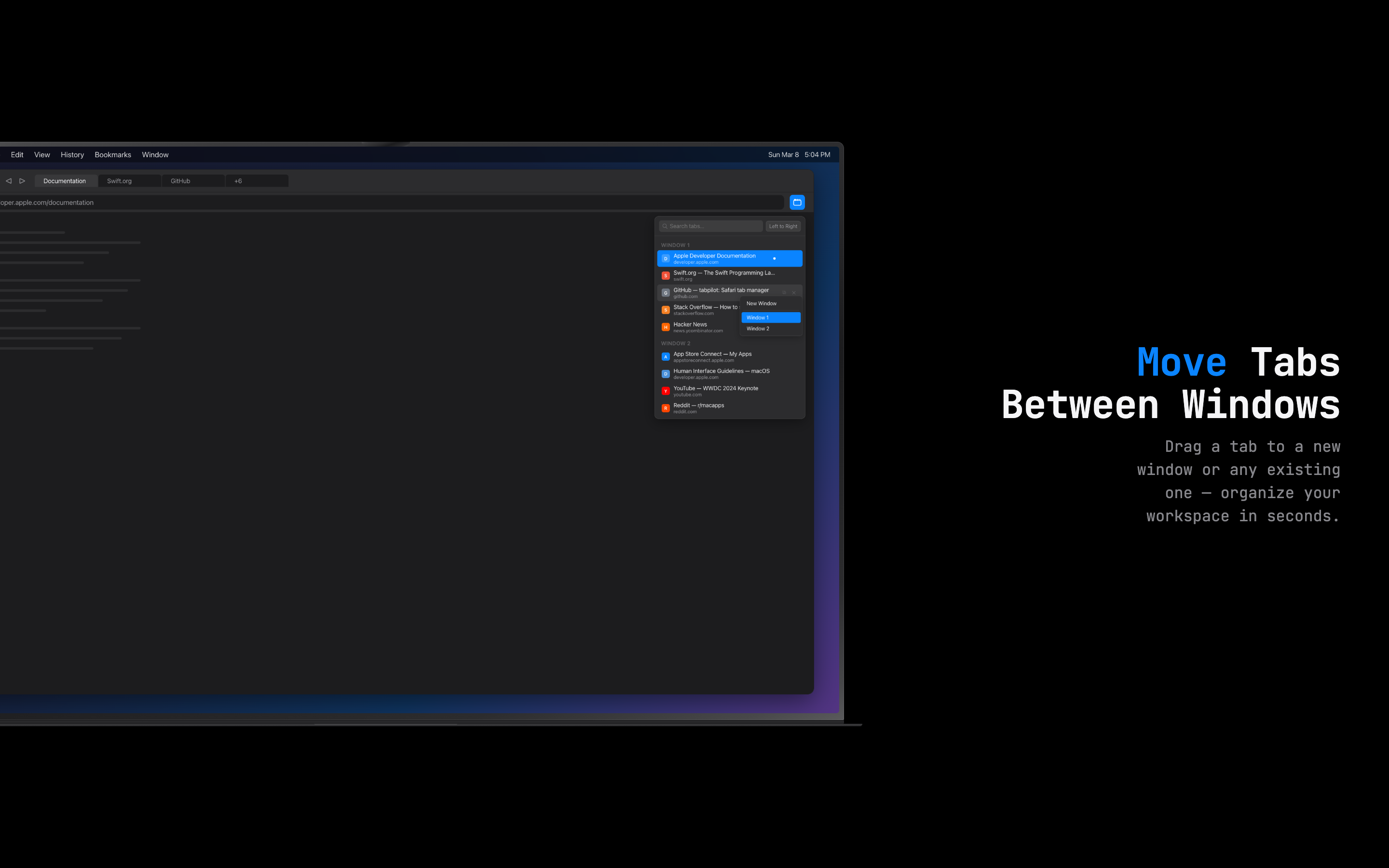
Hover over any tab and a ⧉ button appears. Click it, and you can move that tab to a new window or to any other open window. No dragging across desktops, no fumbling with window arrangements. Just click, pick a destination, and off it goes.
Recently closed tabs
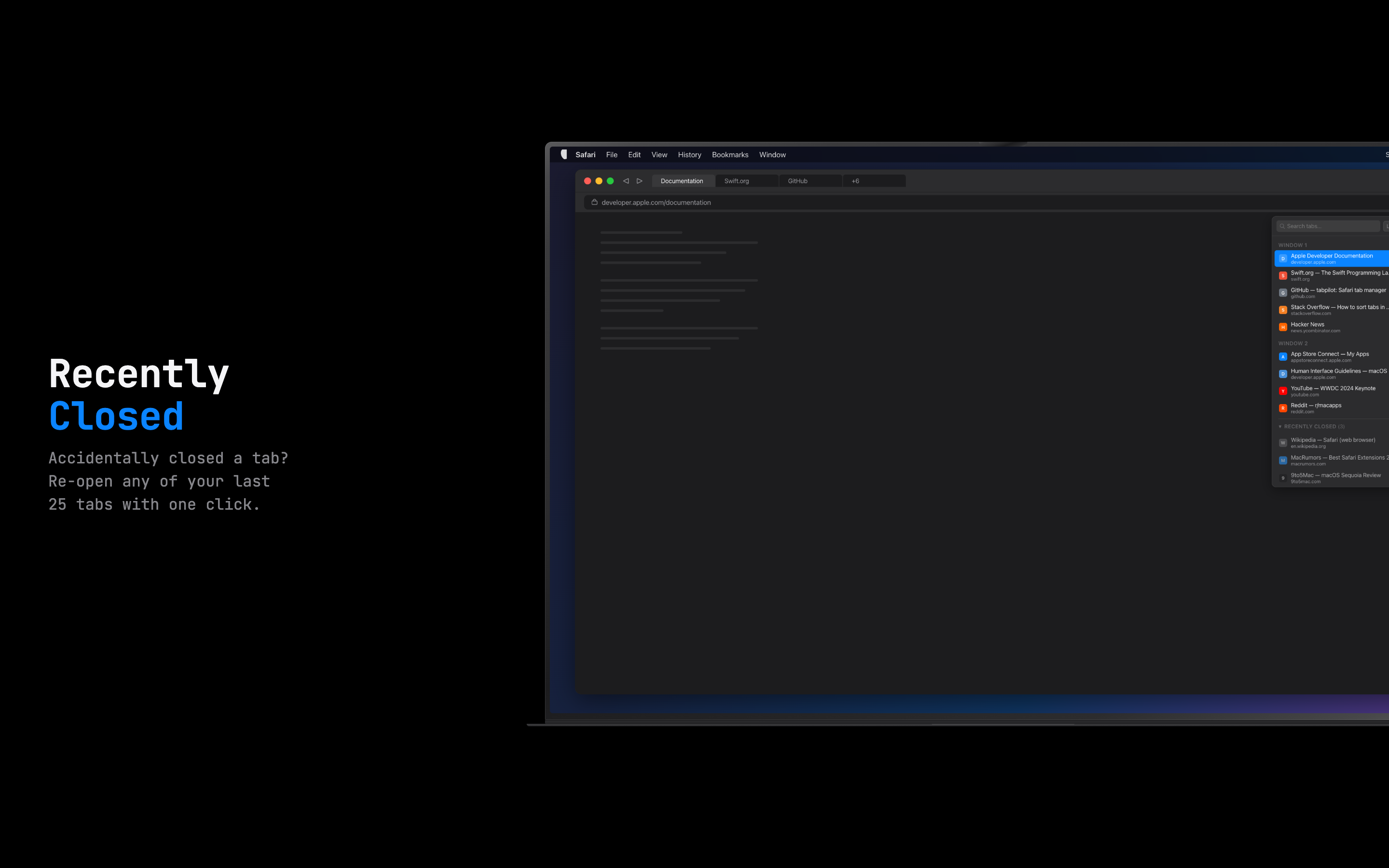
TabScope keeps track of your last 25 closed tabs with relative timestamps. Click any of them to re-open it in a new tab.
The small details
A few things that matter to me and might matter to you:
- Dark mode — follows your system appearance automatically. It always looks right.
- Lightweight — no background processes. No telemetry. No analytics. TabScope is a web extension popup that appears when you click the button, does its job, and disappears.
- Private — everything stays on your Mac. Zero data collection, zero network requests. The only permission it needs is
tabs(to list your open tabs) andstorage(to remember your sort preference and recently closed tabs).
Getting started
Setup takes about 10 seconds:
- Download TabScope from the Mac App Store
- Open Safari → Settings → Extensions and enable TabScope
- Click the Tabs button that appears in your toolbar
That’s it.
Download
TabScope is available now on the Mac App Store. It requires macOS 13 (Ventura) or later.