Introducing Meltymoji: A Handy Emoji Shelf for Mac
I use a lot of emojis for social media, on Slack, and our corporate Slack-alike. I sometimes use them in
git commit messages. I had been using an app called Rocket, that
let me use Slack-style colon search in any app, so :rofl: would insert 🤣, etc. But sometimes, it would
just stop working. It seemed to be something to do with macOS’s keyboard monitoring, but it was frustrating.
I recently discovered an open source app called Mojito, that seemed to work a bit better, but it still suffered from the input monitoring thing, and would just stop responding.
Tapping the ‘fn/world’ key on my keyboard is supposed to bring up an emoji picker, but sometimes it just stops working. This happens on both my work and personal Macs, so I think it is something systemic.
So I decided to build something for myself. It’s called Meltymoji.
It doesn’t do the keyboard monitoring thing, so it doesn’t suffer from the same issues. It runs as either a regular macOS app, or in the menubar. I use it in menubar mode, but some people might prefer the app mode.
In menubar mode, it sits alongside other menubar apps, waiting for you to click it.

When do do click it, it looks like this
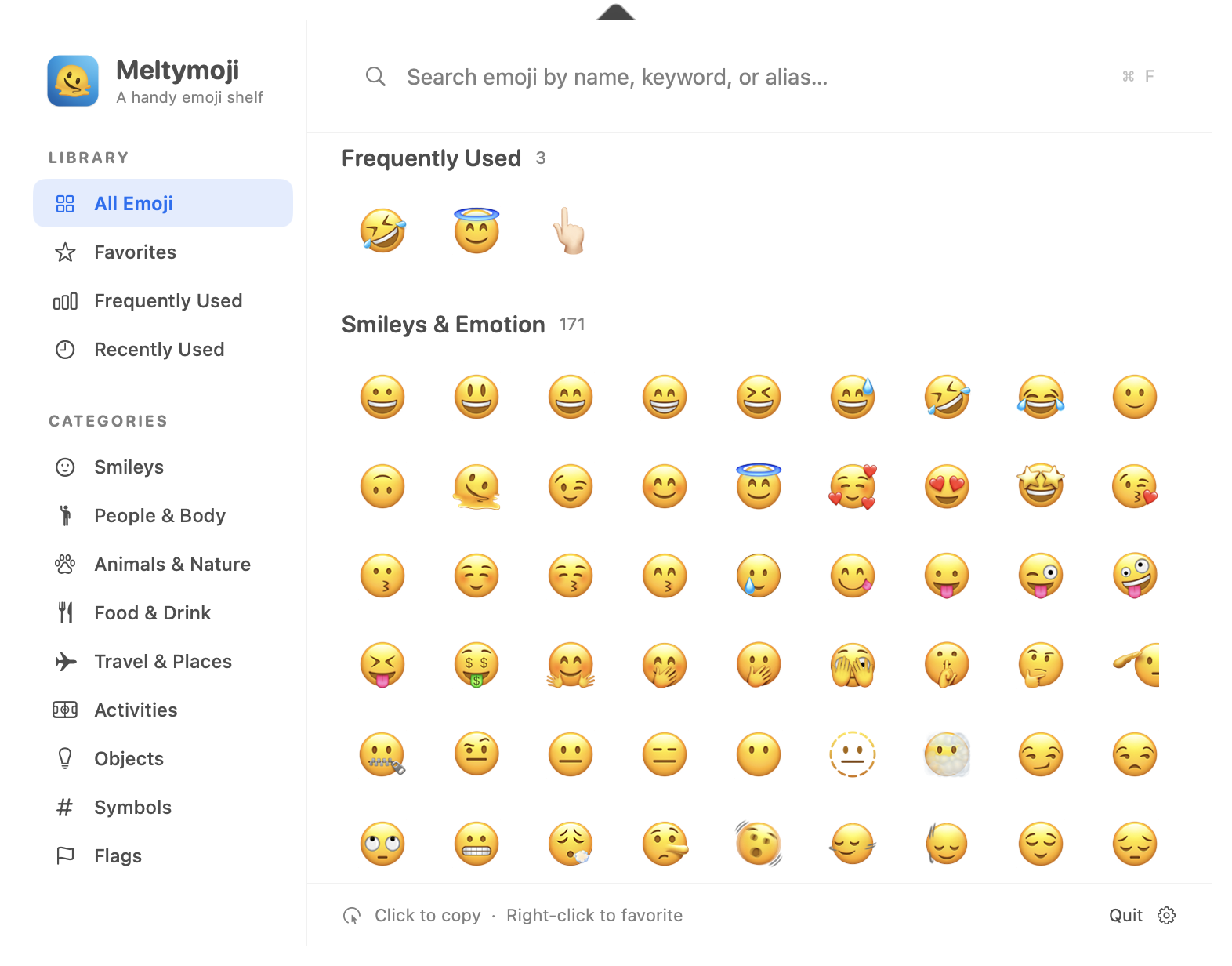
You can search for emojis by typing their name or keyword, and click them to insert them into any app. A single click copies the emoji to the clipboard, so you can paste it anywhere. Right-clicking an emoji shows a context menu with more options, like making it a favorite.
Running in app mode looks just the same, except it has a window instead of being in the menubar. The window looks just like the dropdown.
So, anyway, it’s a silly little app that I built for myself, but I thought others might find it useful.
Read more about it at meltymoji.com. Buy it from Gumroad. It’s $5.00.